

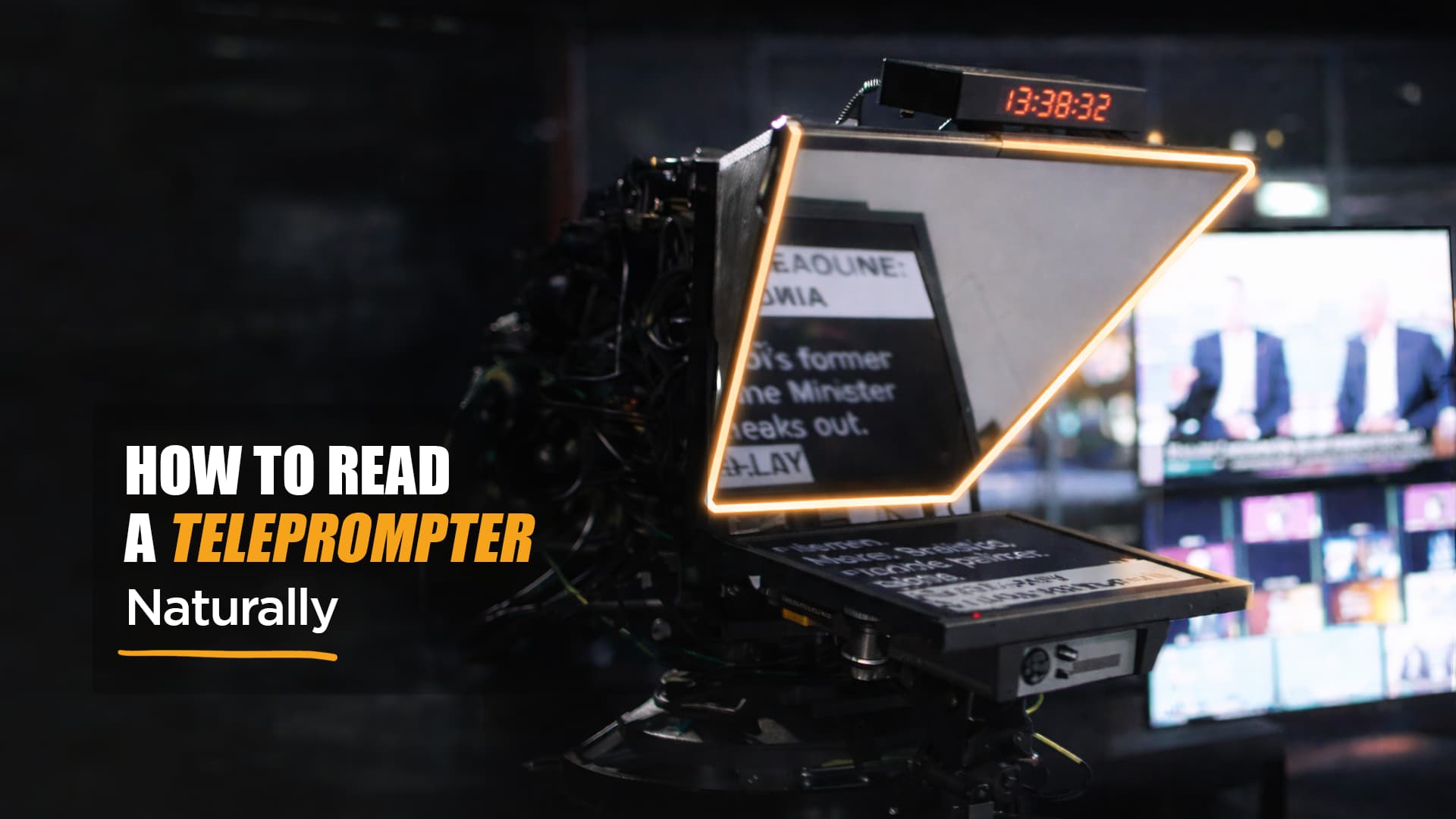
Have you ever watched your recording back and wondered, “Why do I suddenly sound stiff and robotic the moment I try to read from the teleprompter?”
Listen up, because you’re not alone.
Even confident speakers struggle the first time they use a teleprompter. Staring into the camera lens while trying not to look away can feel unnatural, and that’s totally normal.
And thankfully, once you understand why teleprompters trip people up and how to adjust your setup, delivery, and script, you can read a teleprompter without it sounding scripted.
Keep reading to learn how to use a teleprompter with authenticity, presence, and confidence, so your on-screen performance feels as natural as possible.
Why Teleprompters Make People Sound Robotic
Most people freeze when they read from a teleprompter because their brain switches from speaking mode to “must read the script word for word” mode. They stop connecting to the message and focus too hard on the lines on the screen, which creates tension, a flat tone, and awkward eye movement. Add the pressure of looking into the camera, and suddenly everything feels mechanical.
The importance of natural delivery
In modern video production, people want to feel like you’re talking to them, not reading at them. When you can look directly into the camera and still sound like yourself, you instantly build trust and connection. Fail to establish a realistic connection, and you risk not only sounding flat, but you may also find it hard to beat the AI-generated allegations.
How To Prepare Your Script for Natural Delivery
Before you can read the text smoothly, your script has to support your natural voice. Think of it as setting yourself up to sound like you, not like a narrator trying a bit too hard.
Write how you speak
If your script doesn’t match your natural rhythm, it will sound stiff no matter how well you perform it. Start by writing the way you’d explain the idea to a friend. Think simple, direct, and human. Skip overly polished phrasing and long, winding sentences.
Use short sentences and natural pauses
Next, break your ideas into smaller sections that are easy to deliver. Many online personalities and news anchors read in short, clear beats because it gives them room to breathe and to scan a few lines ahead without rushing. These small breaks make your message feel more grounded and conversational.
Highlight or bold emphasis words
Before recording, mark up your digital script. Emphasis cues help you make it feel spontaneous without having to memorize every single line.

How To Set Up Your Teleprompter Correctly
Your setup can instantly make or break your delivery. Before you ever start reading your script, dial in these fundamentals.
Eye-line placement
Your eyeline should be exactly in front of the camera lens, not above or below it.
Distance between you and the device
Stand close enough to the camera lens so you don’t appear to look away from the camera, but far enough that viewers can’t detect tiny darting back-and-forth movements. This balance helps give the impression of steady, natural eye contact.
Text size, contrast, and scroll speed
These small adjustments dramatically improve eye contact and delivery:
- Choose a font size large enough that you can see the words without squinting.
- Keep your contrast high for readability.
- Adjust the scroll speed so you don’t rush.
- Avoid fast motion that forces you to read and scan ahead too aggressively.
Key Takeaway
A proper setup reduces stiffness and awkward eye movement. Placing the prompter display at eye level, adjusting font size, and ensuring a balanced distance between you and the camera make a big difference. These strategies allow you to maintain eye contact more naturally and give you room to relax into your message.

Mastering Your Delivery
Now that the setup is in place, it’s time to perform with a natural presence that feels totally effortless.
Warm-up exercises for voice and face
Before stepping in front of the camera, loosen your jaw, relax your face, and take a few deep breaths. When you take a breath before key points, you sound grounded instead of rushed. For more tips to build your on-camera confidence, check out our blog post.
Read in “thought groups” instead of line-by-line
Don’t try to read from the prompting in a mechanical rhythm. Instead, read in meaningful chunks—ideas, not sentences. This helps you read the script with flow and intention.
How to maintain eye contact without staring
The goal isn’t to keep your eyes frozen. Small, subtle movements feel human and natural.
Tips to vary tone, pacing, and facial expression
Shift your pitch, smile occasionally, and look directly at the lens during emotional beats. When in doubt, pretend you’re a presenter speaking to one real person, or even that you’re explaining something casually to a friend.
Practice strategies
Record yourself in short takes, and try using a teleprompter app to experiment with scroll speed. Don’t aim to memorize everything, just focus on comfort and rhythm. As the saying goes, practice makes perfect, and repetition will help you feel more confident.

Common Mistakes and How to Fix Them
Even experienced speakers stumble on these pitfalls. Here’s how to avoid them.
Sounding monotone
Monotone delivery happens when you’re overly focused on trying to read the prompter. Bring your attention back to meaning, intention, and pace.
Blinking too much or too little
Overthinking your eye behavior can cause rapid blinking or none at all. Keep your eyes relaxed and let your natural rhythm return.
Looking tense or overly serious
If your shoulders rise or your face tightens, your delivery suffers. Shake out your limbs, smile lightly, and imagine you’re talking to someone just off to the side of the camera.
Relying too heavily on the script
If you only read the script, you lose energy. Skim ahead, rely on bullet points when possible, and remind yourself you don’t need to say everything word for word. A producer, director, or even a prompter operator may help adjust timing so your delivery remains loose and confident.
What’s the secret to sounding conversational even while you’re reading?
You sound natural when your script is written in your authentic voice. Short sentences, marked pauses, and key emphasis points help you speak fluidly instead of mechanically. When you read a teleprompter like you’re talking to one person, not performing, you create a more natural performance that resonates.
Conclusion: How To Read A Teleprompter with Confidence
The more you practice, the more you’ll read a teleprompter like a pro. No two speakers are the same, so personalize your method, experiment with the scroll, and don’t hesitate to adjust your setup until things feel more natural. With presence, preparation, and intention, you can read a teleprompter without moving awkwardly, maintain eye contact, and deliver with confidence.
Now, get to practicing or feel free to explore our other articles for more video production and marketing tips!




Leave a Comment